
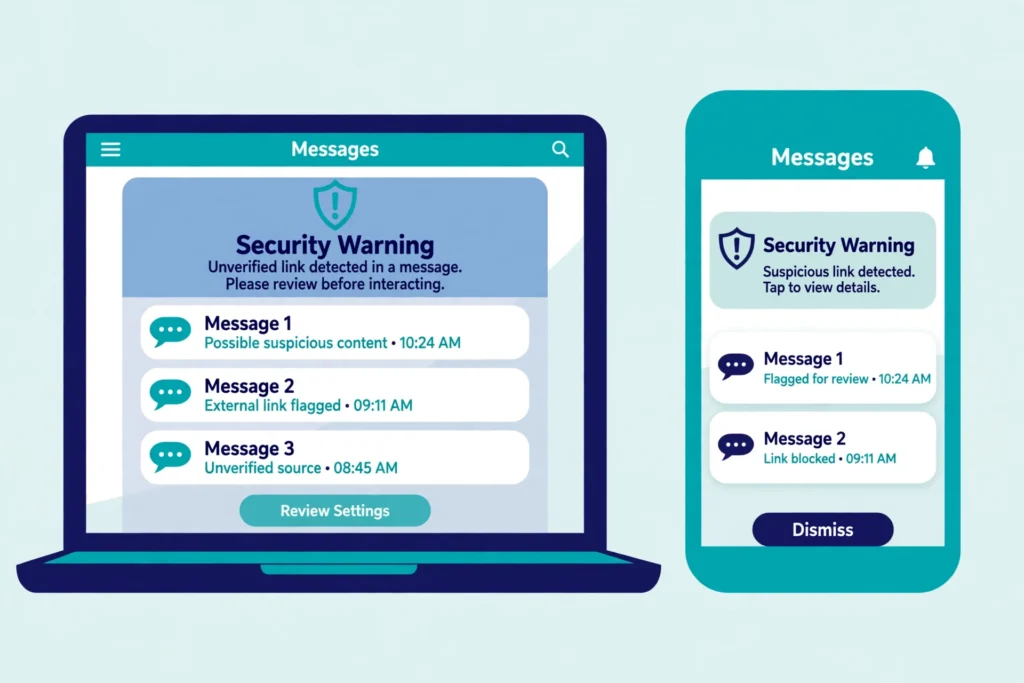

AI phishing scams 2026 are harder to spot than the phishing messages of a few years ago, because the old clues are gone. The spelling is clean, the logo looks right, and the voice sounds like someone you know. This guide explains how they work, the five main types, how to spot each one, and what to do if you clicked.
TL;DR: AI phishing scams 2026 in one minute
AI helps scammers write perfect emails, clone a voice from a short audio clip, fake a face on a video call, and build a fake login page in minutes. The message still has one goal, to get you to click, call back, scan, or send money. Slow down. Do not use the link, number, or code in the message. Contact the person or company through a number or website you already know.
How AI phishing works
Phishing is a message that pretends to come from a company or a person you trust, so you click a link, open a file, or hand over a password or a number. AI does not change that goal. It changes how convincing the message looks and how fast a scammer can send it.
AI writing tools can draft an email in the style of a bank, a delivery service, or a work colleague, in perfect grammar and in your language. AI voice tools can clone a voice from a short clip taken from a video, a podcast, or a voicemail greeting. The FTC warned in 2023 that a short audio clip plus a voice cloning program is enough to sound like a family member on the phone. AI video tools can put a fake face on a live video call. AI image tools can copy a logo, a layout, and a login page.
The scale is large. The FBI Internet Crime Complaint Center reported 16.6 billion dollars in cybercrime losses in 2024, and in 2025 it logged 22,364 complaints that referenced artificial intelligence, with losses near 893 million dollars, as reported by McAfee and Batten Cyber.
In fact, the pattern behind most AI phishing scams is the same. First, the scammer gathers public material, a voice clip, a photo, a job title, or a company name. Second, AI turns that material into a message, a call, or a video that feels personal. Third, the message creates urgency, fear, or secrecy, so you act before you check. Fourth, you are asked to click, scan, call back, or pay, often by a method that is hard to reverse.
The 5 main types of AI phishing scams 2026
1. AI written phishing emails and texts
This is the most common type. AI writes an email or a text that looks like it came from your bank, your email provider, a delivery service, or your workplace. It may mention a parcel, an invoice, or a refund. The spelling is perfect, the tone is right, and the logo looks real. Some messages use your name or your job, which does not mean the sender knows you well. It means the scammer used public information to make the message feel personal.
How to spot it: the message is unexpected, it asks you to click a link, and it creates urgency. Check the sender address, not only the display name. Hover over a link, or long press it on a phone, and look at the real destination. Remember the FTC point, legitimate companies will not email or text you with a link to update your payment information.
2. AI voice cloning calls, also called vishing
A voice cloning call uses a cloned voice to sound like a family member, a boss, or an official. The caller may say a loved one is in hospital, has been arrested, or needs money now. The voice may cry or sound panicked. That emotion is part of the trick, it is designed to make you act before you think.
How to spot it: the call is unexpected, it demands money or a code now, and it asks you to keep it secret. Hang up, then call the person back on a number you already know. Agree a family code word in advance, and ask for it on any urgent call.
3. Deepfake video calls
A deepfake video call puts a fake face on a live call. It may look like a boss or a family member, and it may ask you to approve a payment or share a password. The face can look convincing, but the lips may not match the words, or the person may refuse to turn their head.
How to spot it: ask the person to turn their head to the side, then ask a question only the real person would know. End the call and call them back on a number you already know. Never approve a payment on a video call you did not expect.
4. QR code phishing, also called quishing
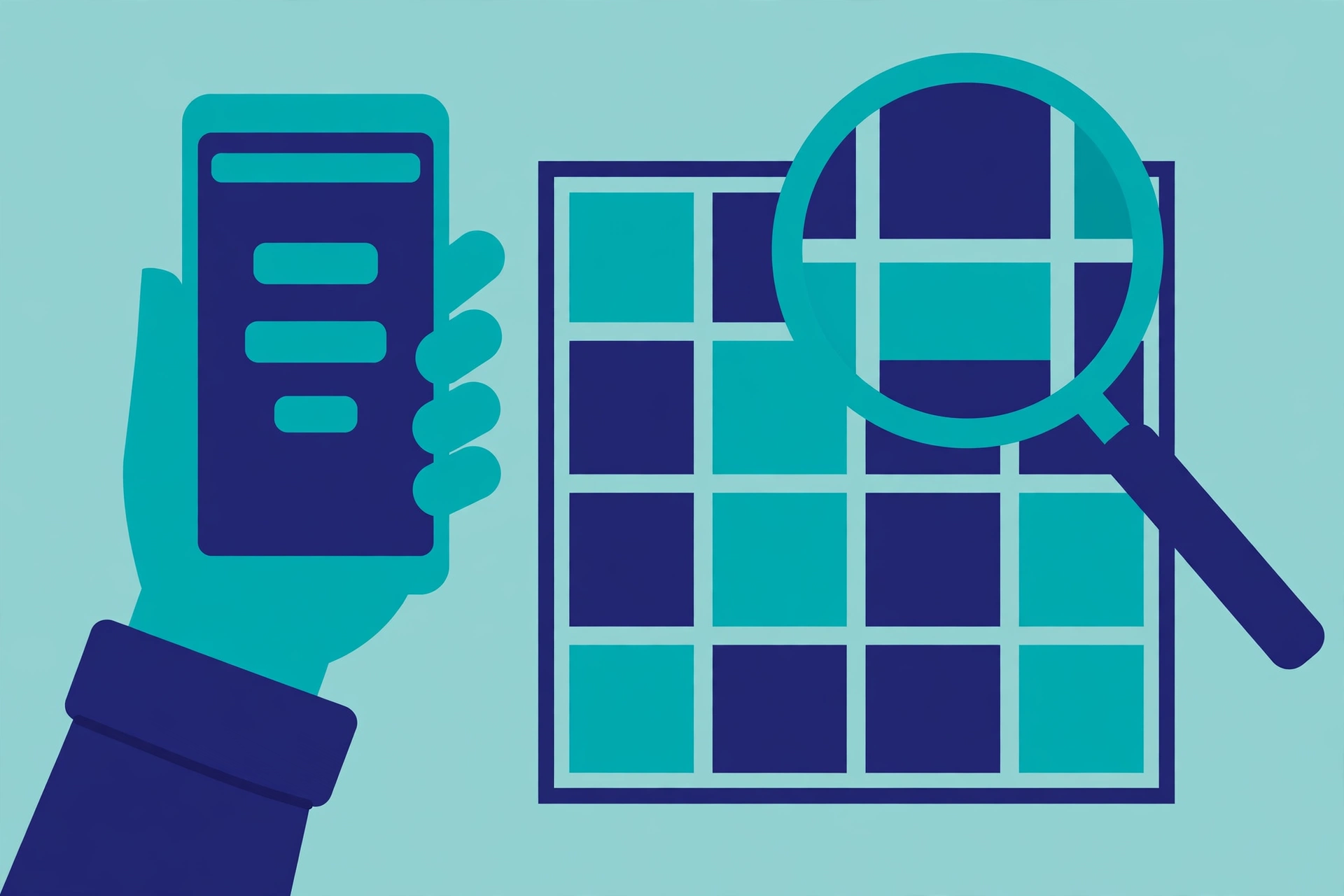
QR code phishing hides a bad link inside a square code. The email may say your mailbox is full, a document is waiting, or your account needs verification, and it tells you to scan the code with your phone. When you scan it, you land on a fake login page. Google flagged QR code phishing in its June 2026 fraud and scams advisory, and Microsoft reported a sharp rise in QR code phishing in early 2026.
How to spot it: treat a QR code like a link you cannot see. Do not scan a code from an unexpected email, especially one that asks you to sign in. Open the app yourself or type the website address yourself instead.
5. Fake login pages and device code tricks
Some AI phishing scams build a fake login page that looks like a real sign in page. Others use a device code trick. You get a message with a code, and you are told to type it into a real sign in page. That code gives the scammer access to your account, even though the page itself is real.
How to spot it: never type a password or a code because a message asked you to. Never enter a device code unless you started the sign in yourself, on a device you can see.
How to spot AI phishing scams 2026, the quick checks
First, ask if you expected it. If you did not ask for it, treat it as unproven. Second, do not use the link, the phone number, or the reply address in the message. Use a number or a website you already know. Third, look at the sender address and the link destination, not only the display name. Fourth, look for urgency and secrecy. Fifth, check the request. A password, a code, a bank detail, or a payment is never something a real company asks for by email, text, or phone call.
Therefore, if one check fails, stop and check through a different route.
What to do if you clicked
If you clicked a link or opened an attachment, act fast. Update your security software and run a full scan. Change the password for that account, and for any other account that used the same password. Turn on two factor authentication if it was off. Contact the real company through a number or website you already know. Check your bank and email accounts for changes you did not make, and tell your bank at once if money has moved.
If you gave away a password, a card number, or a bank account number, go to IdentityTheft.gov in the United States, where the FTC lists steps based on what was lost. In the United States, forward a phishing email to reportphishing@apwg.org, forward a phishing text to SPAM, which is 7726, and report the attempt at ReportFraud.ftc.gov.
For more detail on the email checks, read our guide. Read it here: https://techknowlogy.net/how-to-spot-a-phishing-email/
How to protect yourself from AI phishing scams 2026
In short, protection is a habit, not a single tool. Turn on two factor authentication on your email, your bank, and your social accounts. Use a password manager, so every account has a different password. Read our guide to choosing one. Read it here: https://techknowlogy.net/best-password-manager-2026/
Keep your phone and your computer updated, and keep your spam filter on. Back up your data. Limit what you share in public, especially voice and video clips, because a short clip can be used to clone a voice. Agree a family code word, and teach it to older relatives. Scammers use the same AI tricks around popular releases too. We covered that pattern around a game launch. Read it here: https://techknowlogy.net/how-to-spot-a-gta-vi-scam/
For official advice, see the FTC phishing guidance.
FAQs about AI phishing scams 2026
Can AI really clone my voice from a short clip
Yes. The FTC warned in 2023 that a short audio clip from content posted online, plus a voice cloning program, is enough to sound like a family member on the phone. That is why a family code word matters more than trying to judge a voice by ear.
Is a perfect email proof that it is real
No. AI can write a perfect email, with correct grammar, the right tone, and a real looking logo. The FTC and CISA both say to look at the other signals instead, the sender address, the link destination, the urgency, and the request. A typo free message is not proof of safety.
Can a video call be faked live
Yes. AI tools can put a fake face on a live video call. Ask the person to turn their head, wave a hand, or answer a question only the real person would know, then end the call and call them back on a number you already know.
Does two factor authentication stop AI phishing
It helps a lot, but it does not stop every trick. A fake login page can still capture a code, and a device code trick can abuse a real sign in page. It still makes it harder for a scammer to log in if they get your password.
The bottom line on AI phishing scams 2026
AI phishing scams 2026 are not about bad spelling any more. They are about a perfect email, a familiar voice, a convincing face, and a hidden link. Slow down, and check through a route you already trust.
If a message makes you feel rushed, secretive, or afraid, treat that feeling as a warning sign, not as a reason to hurry. Call the person back. Type the address yourself. Tell your family about the code word. The scammer wins when you act alone and in a hurry. You win when you pause and check.