
Passkeys vs password managers is the wrong fight. You need both in 2026. A passkey is the safer sign in when a site offers it. A password manager is still the home for every password that remains, and for most of your passkeys too.
This is a practical follow up to our earlier Best Password Manager 2026 post and our What Is a Passkey post. It answers the next question about passkeys vs password managers. How do you move from passwords to passkeys safely, without getting locked out?
The short answer is simple. Keep one manager as the home for all your logins. Create passkeys first for email, then for your bank and your main accounts. Keep the password until the passkey works twice. Set up recovery before you need it.
What changed in 2026 for passkeys vs password managers
Passkeys reached a scale that is hard to ignore. The FIDO Alliance said on World Passkey Day, 7 May 2026, that about 5 billion passkeys are now in use worldwide. In its State of Passkeys 2026 report, based on 11,000 consumers and 1,400 enterprise decision makers, it found that 90 percent of people are aware of passkeys, 75 percent have enabled a passkey on at least one account, and 49 percent use passkeys regularly when available. It also found that 68 percent of organizations have deployed passkeys or are actively deploying them for employee sign in.
The October update was stronger still. The FIDO Alliance published its Passkey Index 2026 on 15 Oct 2026, based on data from 15 consumer services, including Amazon, Google, Microsoft, PayPal, TikTok, and WhatsApp. It estimated 7 billion passkeys in use worldwide. Passkeys now carry 36 percent of successful sign ins, up from 26 percent. Passkey sign ins succeeded 93 percent of the time, against 78 percent for passwords and traditional multifactor methods. They were 2.8 times faster, saving 27 seconds per sign in on average.
Passwords still cause harm. One in three people in the FIDO consumer survey had experienced an account compromise or received a breach notification in the past year.
Passkeys vs password managers, what each one does
A passkey is a credential that your device creates for one site. It is a pair of keys. The private key stays on your device, locked in secure hardware. The public key goes to the website. When you sign in, the site sends a challenge, your device signs it with the private key after you unlock it with your fingerprint, face, or PIN, and the site checks the answer. Nothing secret is typed or sent. A fake login page gets nothing usable, because the passkey only works on the real site it was made for.
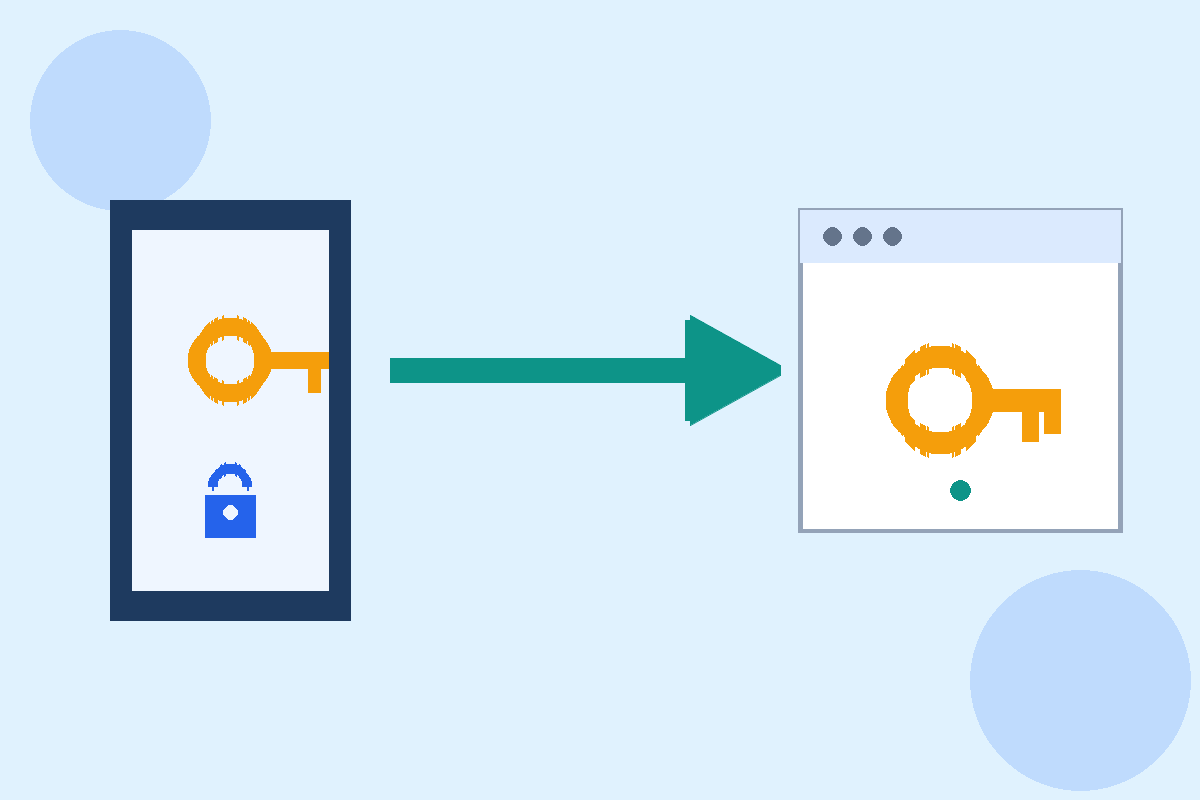
A password manager is a locked vault for logins. You remember one strong master password, and it remembers the rest. It creates a different random password for every site and fills it in for you. In 2026, the best managers also create, store, sync, and autofill passkeys, in the same vault as your passwords.
A manager is not the rival to passkeys. It is the place where most passkeys will live.
A passkey is the key. A password manager is the key ring, plus a safe for the keys you still need.
Where passkeys work now
The largest platforms all support passkeys. Google, Apple, Microsoft, and Amazon support passkey sign in for consumer accounts. PayPal, GitHub, LinkedIn, eBay, WhatsApp, and TikTok are also listed in passkey directories.
A community tracker, passkeys.directory, listed over 200 websites and apps with passkey support as of mid 2026. That list covers a large share of daily sign ins, but it is not the whole web. Many banks, smaller shops, and older work systems still ask for a password. Some sites offer a passkey only as an extra sign in method, and keep the password live next to it.
Check the security settings for your email, your bank, and your main shopping account. If you see a passkey option, it is ready. If you do not, keep a strong unique password in your manager, turn on two factor authentication, and check again in a few months.
The managers, compared for passkeys in 2026
All five managers below support passkeys in full, across desktop browsers, iOS, and Android. Prices move, so check the vendor page on the day you sign up, and check the renewal price. Prices are in US dollars, before tax, as checked for our 15 Nov 2026 post.

Bitwarden is the best value pick. The free plan gives unlimited passwords on unlimited devices, with passkey storage on the free plan. Premium is 1.65 dollars per month billed annually, or 19.80 dollars per year, and adds a built in authenticator, health reports, and emergency access. Bitwarden is open source.
1Password is the most polished pick. There is no free plan, only a 14 day trial. Individual is 2.99 dollars per month in the first year, then 3.99 dollars per month. Families is 5.99 dollars per month for five people. It syncs passkeys across desktop and mobile, with Watchtower alerts and Travel Mode.
Dashlane, NordPass and Proton Pass
Dashlane is the bundle pick. The free plan ended in Sept 2025. Premium is 5.42 dollars per month billed annually, or 65.04 dollars per year, per Nov 2026 checks. Older guides list 4.99 dollars, and those figures are out of date. Premium includes dark web monitoring and a bundled VPN.
NordPass is the simple budget pick. The free plan stores unlimited passwords and passkeys, but limits you to one active session at a time. Premium is 1.99 dollars per month on a one year term, or about 1.29 dollars per month on a two year term, with renewal higher. It has no built in authenticator, so one time codes need a separate app.
Proton Pass is the best free plan pick. The free plan gives unlimited logins, passkeys, and notes on unlimited devices. Pass Plus is 1.99 to 2.99 dollars per month, depending on term, and adds unlimited aliases and a built in authenticator. It has no emergency access, so plan recovery another way.
Do not pick on price alone. Pick on where your passkeys will live, and how you will recover them.
Which home fits you for passkeys vs password managers
If you live mostly on Apple devices, Apple Passwords with iCloud Keychain can hold your passkeys. The limit is cross platform use. If you also use Windows or Android, a third party manager will travel better.
If you share logins with a family, 1Password Families is the smoothest shared vault. Bitwarden Families is cheaper, at 47.88 dollars per year for up to six users.
If you want to pay nothing, start with Proton Pass free or Bitwarden free. Both give unlimited devices and unlimited passkeys on the free plan.
How to move from passwords to passkeys safely
Move in small steps, one account at a time, in order of value. Do not try to convert every account in one evening.
Seven steps to move safely
- Pick one home. Choose one password manager, and put every login there first. Import passwords from your browser. Do not start creating passkeys until the vault is complete.
- Turn on recovery first. Set up emergency access where your manager offers it. Save recovery codes for Google, Apple, and Microsoft on paper, in a safe place, not only in the same vault. Add a second device to your account.
- Start with email. Create a passkey for your main email account first. Email is the key to password resets for almost every other account. In Google, go to Security, then Passkeys, then Create a passkey. In Apple, create the passkey at the site itself, after turning on iCloud Keychain. In Microsoft, go to Security, then Add a new way to sign in, then Passkey.
- Test the passkey twice. Sign out, then sign in with the passkey. Do it again on a second device. Only when it works twice should you trust it. Do not delete the password yet.
- Add your bank, your password manager, and your main shopping accounts next. For work accounts, check with IT first. Microsoft made passkeys the default sign in for Entra ID work accounts on 1 Sept 2026.
- Keep passwords for the rest. For sites with no passkey option, keep a strong unique password in your manager, with two factor authentication turned on.
- Move passkeys when you switch managers. Since 2026, the FIDO Credential Exchange Protocol lets you move passkeys between managers on iOS 26 and Android 14 and later. Google announced the Android version on 10 Sept 2026, saying it works with Google Password Manager, 1Password, Bitwarden, and Dashlane. Test the move with one low value passkey first.
What happens if you lose your phone
For passkeys vs password managers, the answer depends on one thing. Was your passkey synced, or did it live only on that one device?
A synced passkey comes back. If it was saved in iCloud Keychain, Google Password Manager, or a third party manager with sync turned on, sign in on a new device with the same account, and the passkey should appear.
A device bound passkey does not come back on its own. If that device is lost, you need another way in, usually a recovery code, a second device with the same passkey, or a password and two factor code that the site still accepts.
Keep at least two devices signed in, keep recovery codes offline, and keep a second passkey on a second device for your email account where the site allows it.
What not to do
Do not create a passkey on a shared computer. Only create passkeys on devices you own.
Do not delete a password the same day you create a passkey. Test the passkey first, on two devices.
Do not turn off two factor authentication until the passkey works and you have recovery codes saved.
Do not store your only recovery codes inside the same vault they unlock. Keep a paper copy in a safe place.
Do not assume a passkey protects a session after you sign in. Sign out on shared computers.
Keep a strong screen lock, because if someone can unlock your phone, they can use the passkeys on it.
Practical takeaway: passkeys vs password managers
Passkeys vs password managers is not a choice between two products. It is a change in how you sign in, with your manager as the home for both. Start with one manager. Set up recovery first. Create a passkey for email, test it twice, then move to your bank and your main accounts. Keep strong unique passwords for the sites that still need them. Check prices on the vendor page before you pay, and check the renewal price, not only the first year price.
Sources
FIDO Alliance World Passkey Day 2026, https://fidoalliance.org/fido-alliance-reports-accelerating-global-passkey-adoption-on-world-passkey-day-2026/
FIDO Passkey Index 2026, https://startwithidentity.com/blog/2026-10-15-fido-passkey-index-2026-passkeys-reach-36-percent-of-sign-ins/
Pingback: Best Free Apps for Productivity in 2026 That Stay Free - techknowlogy.net