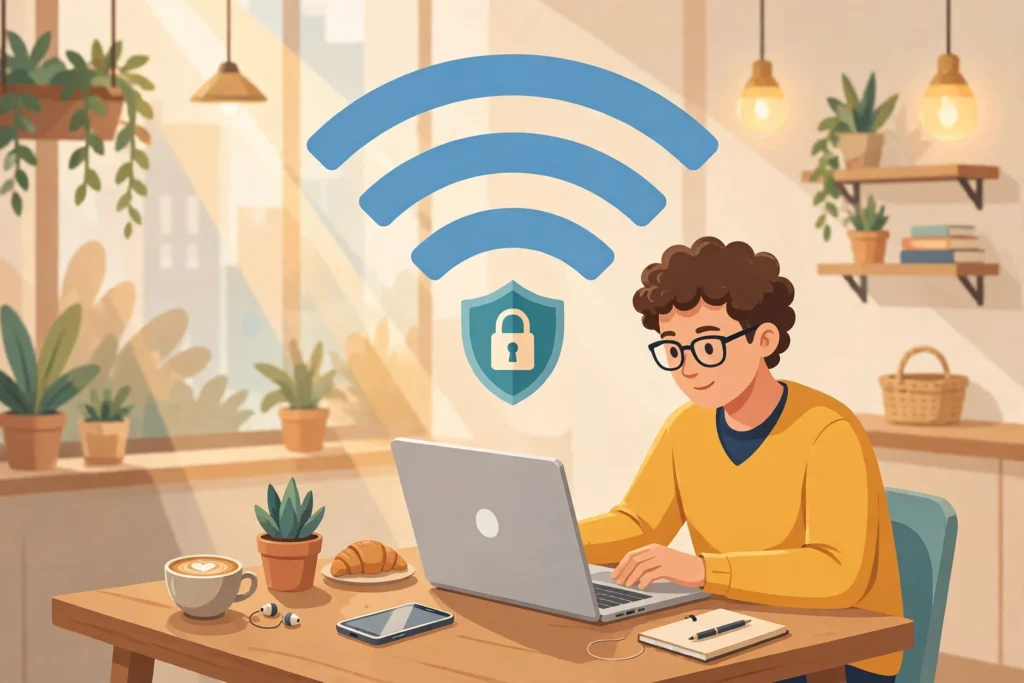

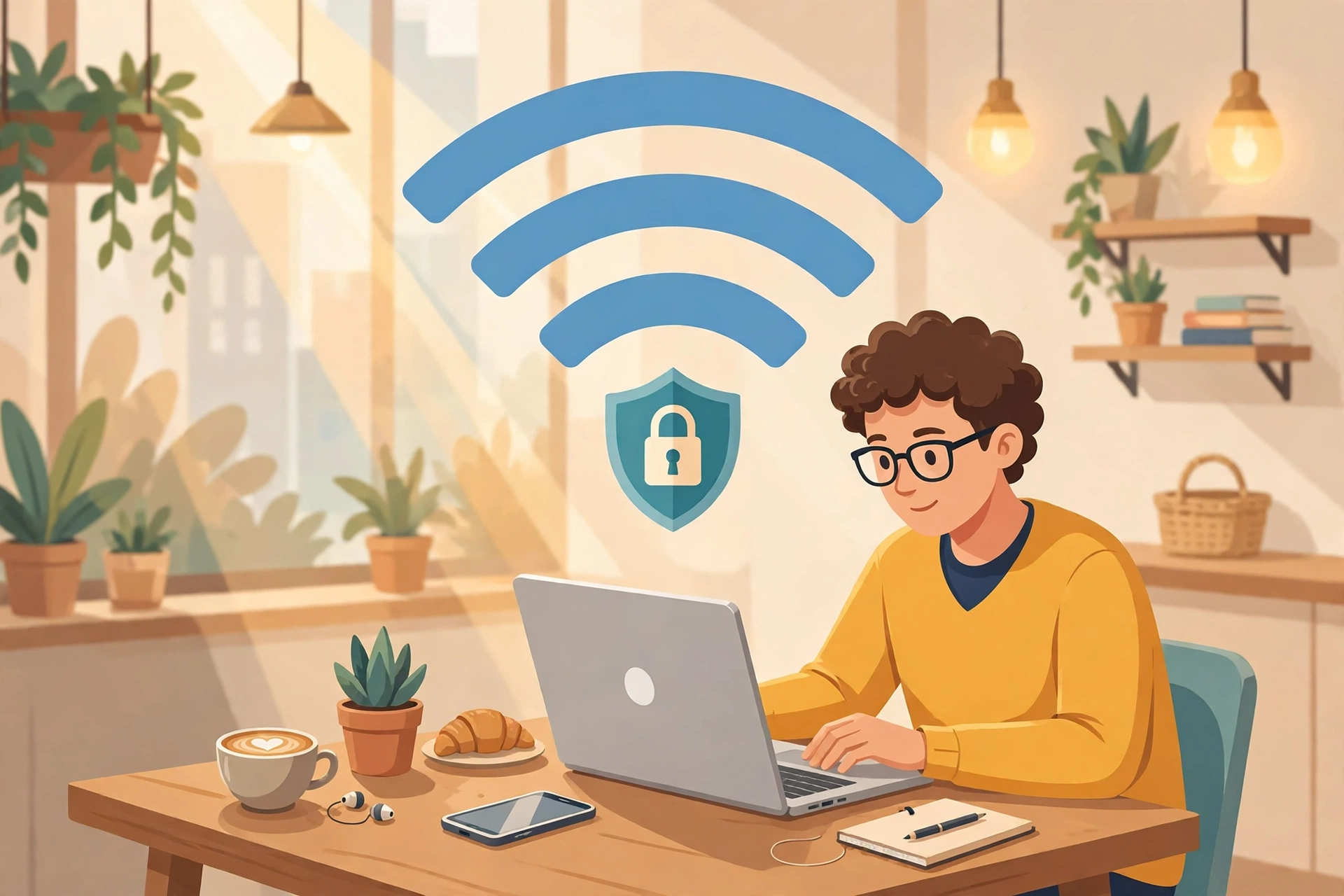
You sit down in a hotel lobby or a cafe, and your phone asks if you want to join the free WiFi. You tap yes without thinking. Public WiFi is safe enough for some things, and risky enough for others. The line between the two is not the password on the network. Public WiFi safety starts with knowing what is safe and what is not.
The short answer is this. Public WiFi is usually safe for reading the news, checking a map, or watching a video. That is true if the site uses HTTPS. It is not safe for banking, work email, or anything where a stolen login would hurt you. Use mobile data or a VPN instead.
Is public WiFi safe
Ten years ago, most websites sent your login in plain text, so anyone on the same cafe network could read it. That has changed. The US Federal Trade Commission, the FTC, now says that because most websites encrypt your information, connecting through a public WiFi network is usually safe. Google reports that HTTPS now encrypts more than 95 percent of web traffic.
Read the FTC guide on public WiFi safety.
Public WiFi safety depends on HTTPS, not on the network password.
HTTPS scrambles the content between your device and the website, so a person sitting two tables away cannot read your password or your messages on an HTTPS site. It does not protect the network itself, it does not hide which sites you visit, and it does not prove that the site is honest. The FTC warns that scammers also run HTTPS sites.
The US Cybersecurity and Infrastructure Security Agency, CISA, is stricter. It says many public access points are not secured. It advises against online shopping, banking, or sensitive work on a public wireless network, and says a mobile connection is generally more secure. If the site shows HTTPS, casual browsing is low risk. If the task involves money, email, or work, treat public WiFi as high risk, and use mobile data instead, or turn on a VPN first.
The 3 risks that matter in 2026
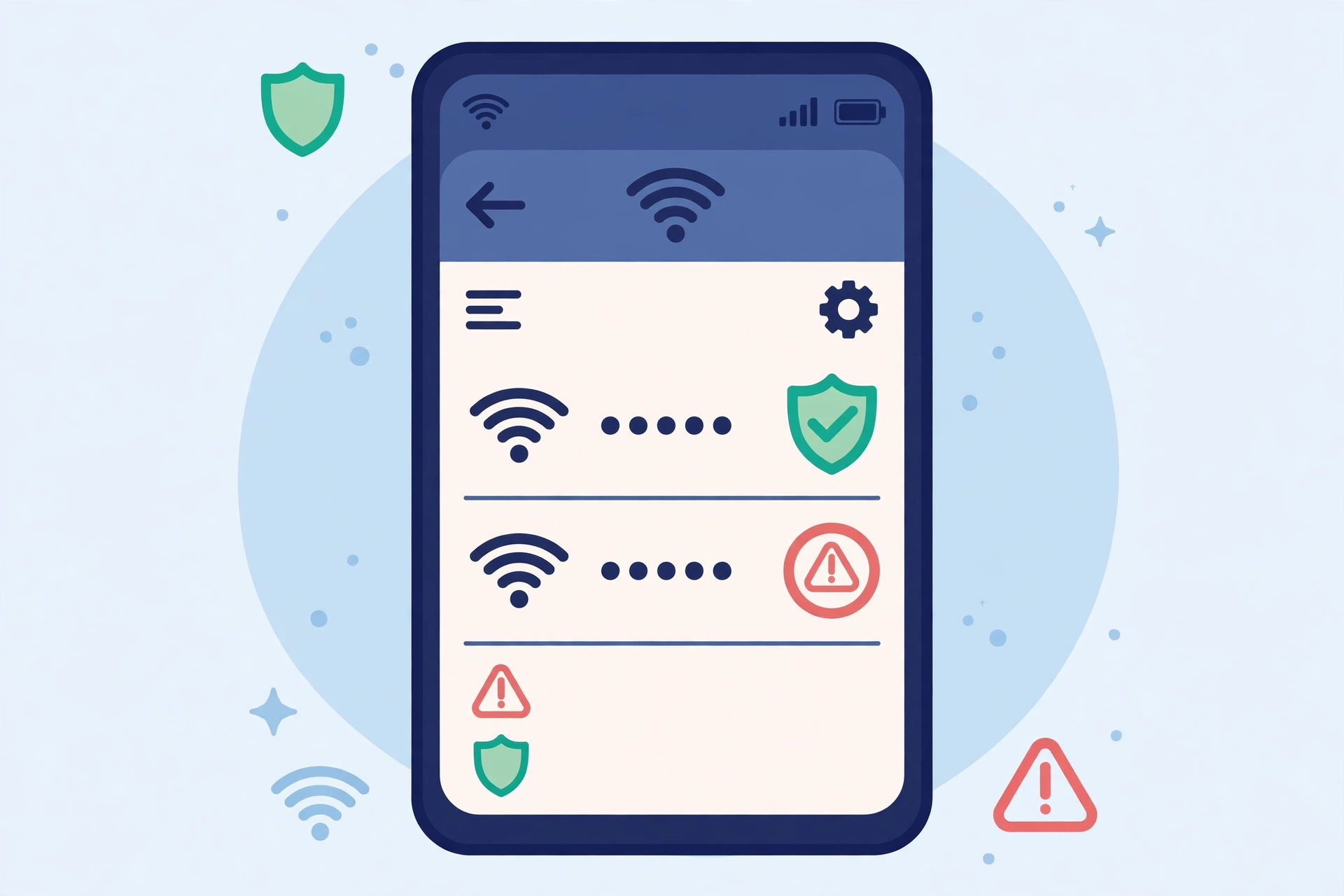
First, the evil twin, or fake hotspot. An attacker sets up a hotspot with a name that copies a real one, like Hotel Guest or Cafe Free WiFi. Your phone may join it automatically, and then all your traffic flows through the attacker. Ask staff for the exact network name, and check the spelling letter by letter.
Public WiFi safety means checking the exact network name with staff first.
Second, the man in the middle. An attacker sits between your device and the website you want, and tries to intercept traffic, harvest metadata, or strip HTTPS away on sites that do not enforce it correctly. HTTPS makes this much harder, but an attacker can still see which sites you visit, and can redirect you to a fake page that looks right.
Third, session hijacking. When you sign in, the site gives your browser a session token, a temporary pass that says you are already logged in. If an attacker steals that token, they can open your account without ever seeing your password. A fake login page can capture the token after you pass two factor authentication, so the code does not save you. That is why you should also sign out of all sessions after a bad network.
A real hotel network can be compromised too. In July 2026, security firm ReliaQuest reported that attackers had gained control of WiFi gateway equipment at hotels and conference centers, then redirected guest traffic to fake Microsoft login pages. That report was shared in a secondary guide in November 2026, and it was not checked here against the original report, so treat it as reported, not as verified first hand. Never install software or paste a command because a WiFi login page told you to. Never enter your email password, card details, or ID number on a WiFi sign in page.
Public WiFi safety: what is safe, and what is not
Safe, or low risk, if the site uses HTTPS: reading news, blogs, and maps, watching videos on a known service, checking the weather or a train time, and browsing a shop without signing in or paying.
Not safe, or high risk, even on HTTPS: online banking, or moving money, signing in to your main email, work email, or company systems, entering card details, or a recovery phrase for a crypto wallet, signing in on a shared computer, and installing an app, an update, or a profile that a WiFi page asks for.
Email is the key to most accounts, so treat it like banking. If someone gets your email, they can reset many other passwords. If you are unsure, ask one question. Would it hurt if someone else saw this, or used this login? If yes, wait until you are on mobile data.
How to use public WiFi safely
Confirm the exact network name with staff before you join, and do not join a network just because it has the strongest signal. Turn off auto join for public networks, so your phone connects only when you choose, and forget the network when you leave, so it does not reconnect to a lookalike later.
Use HTTPS only, and respect certificate warnings. Look for https and a padlock on every page, not only the login page. If your browser says your connection is not private, do not click through it on a site you normally trust.
Turn on a VPN before you open anything sensitive. A VPN encrypts the path from your device to the VPN server, so the shared network does not get a clear copy of your traffic. Use a VPN provider you trust, and research it first, as the FTC advises. A free VPN that logs everything you do is worse than no VPN at all.
For public WiFi safety, turn on the VPN before you open anything sensitive.
Keep two factor authentication on, and use unique passwords for email, banking, and social media, so a stolen password alone is not enough. Use an authenticator app where you can, rather than text codes. A password manager helps here. See our guide here.
Turn off file sharing and nearby sharing on public WiFi, keep your software updated, and keep your firewall on. Log out when you are done, especially on a shared computer, because closing the browser window does not sign you out.
A VPN helps, but it does not fix everything
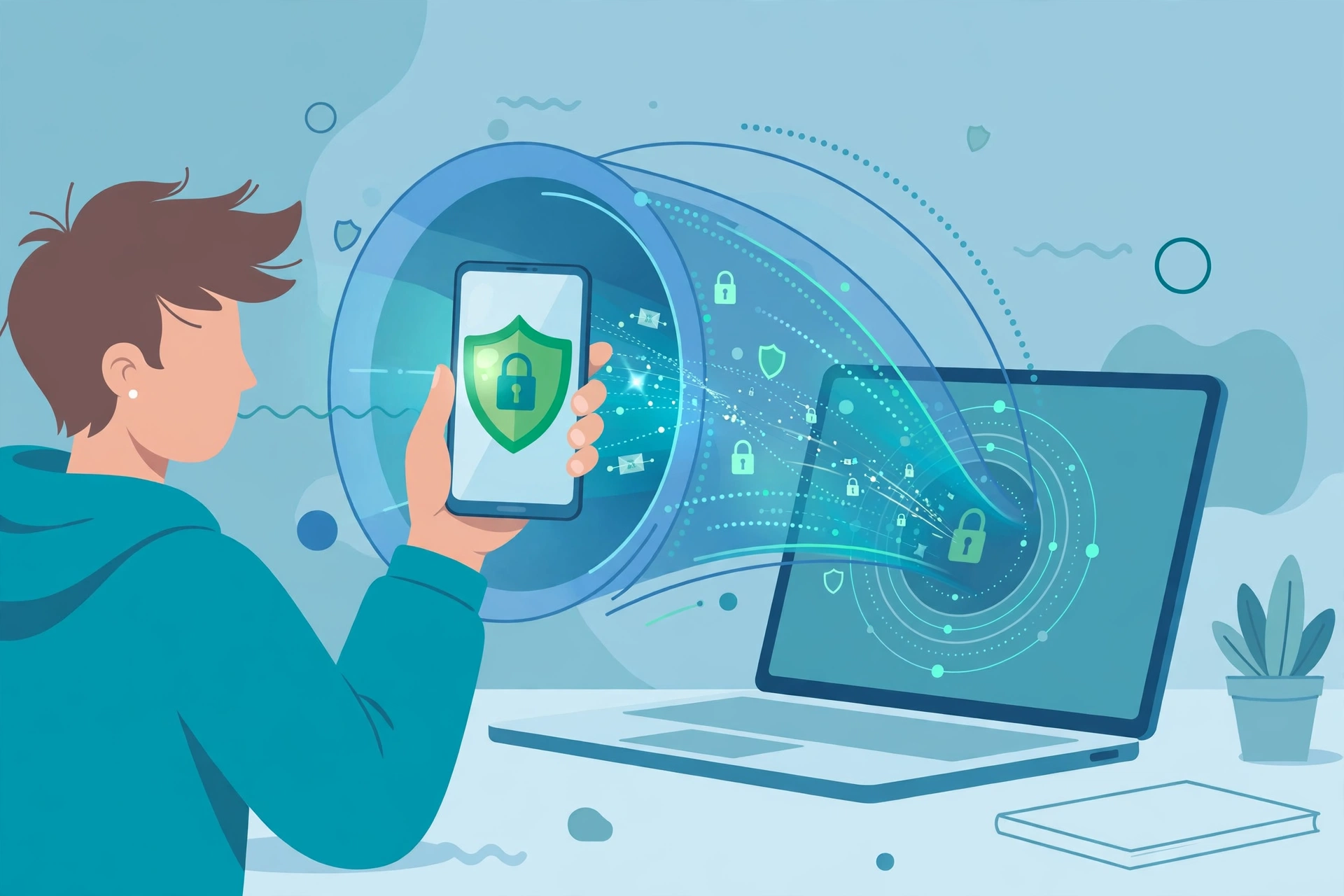
A VPN protects your traffic from being read by others on the same WiFi network, and it protects every app on your device, not only the browser. It does not protect you from joining a fake network, from a fake website, from malware you install yourself, from a password you type into a fake page, or from a stolen session token after you signed in.
CISA still recommends a VPN on public WiFi. You often do not need one for everyday HTTPS browsing, like reading the news. A good VPN is still useful if you travel often, or need to open an account that can move money. In that case, turn it on first, or use mobile data instead.
What to do if you already logged in
First, do not panic. Joining a network by itself does not prove your accounts were compromised. What matters is what you did while you were connected. Simply browsing is different from entering a password, payment details, or installing an app.
Do this, in order, from a trusted device and a trusted connection, not from the same network. Disconnect and forget the network, and remove any unexpected WiFi profile or certificate you do not recognise. Work out what you did, starting with email. Did you enter a password, a card number, or identity details? Did you install anything the network asked for?
Change passwords, starting with email, on the real service official website or app, from your own device. If you reused that password elsewhere, change it there too, with a different password for each account. Do not change passwords on the public network itself, or on a public computer, because a keylogger there would capture the new ones too.
Sign out of all sessions, so a stolen session token stops working. Turn on two factor authentication, or a passkey, where it was off. A passkey only works on the real website it was made for. Read our passkey guide here.
Check for changes you did not make, like email forwarding rules or unfamiliar logins, and watch for a few weeks. If you entered payment details, contact your bank or card issuer at once, using the official app or the phone number on your card. Scan your device for malware, and remove anything you installed from that network. Tell the hotel, cafe, or venue, so they can check their network.
If you only browsed, and entered nothing, the risk is low. Still forget the network, and watch for unusual sign in alerts.
The bottom line
Public WiFi is not automatically dangerous, and it is not automatically safe. HTTPS has made casual browsing much safer than it was ten years ago. CISA still says to avoid sensitive tasks on public WiFi, and to use mobile data when you can.
The safest pattern is simple. Public WiFi safety is a habit, not a single setting. Confirm the network name with staff, turn off auto join, use HTTPS only, turn on a VPN before anything sensitive, keep two factor authentication and unique passwords on, and forget the network when you leave. For banking and email, use mobile data, or wait. Start with email, because it unlocks everything else.
Also read Best Password Manager 2026 and How to Spot a Phishing Email and What Is a Passkey.