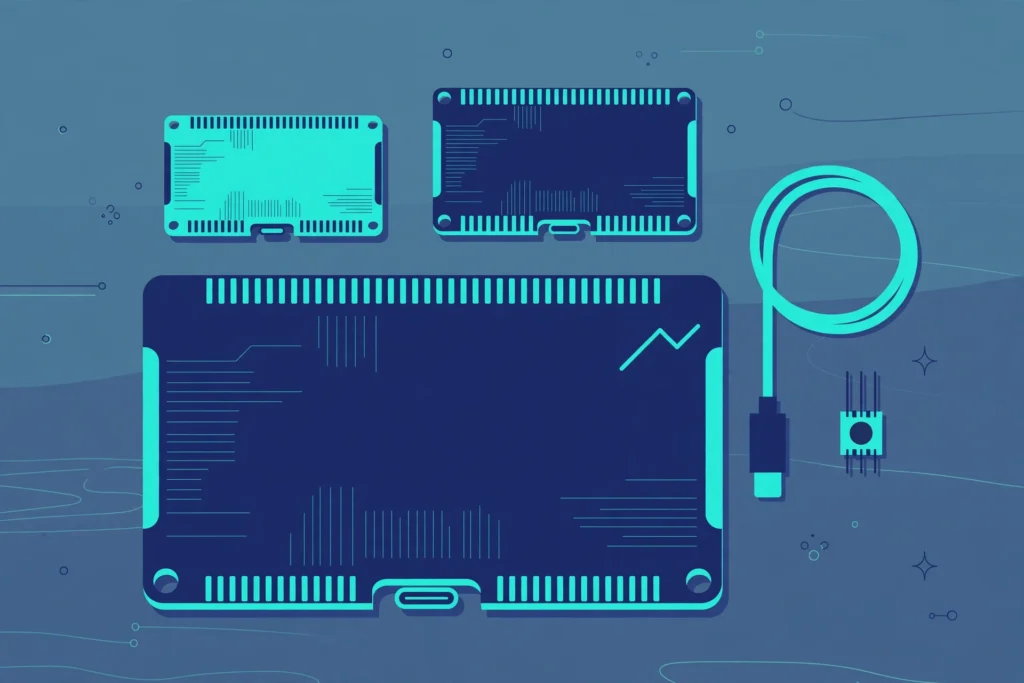

If you are looking for the best ESP32 board 2026 has to offer, the choice can feel confusing. In fact, Espressif now sells a whole family of ESP32 chips, and every board looks similar at first glance. However, the wrong pick can leave you with a board that has no WiFi, no Bluetooth, or too few pins. In short, this guide compares them side by side, and gives you one clear pick for beginners.
TL;DR: our pick for beginners
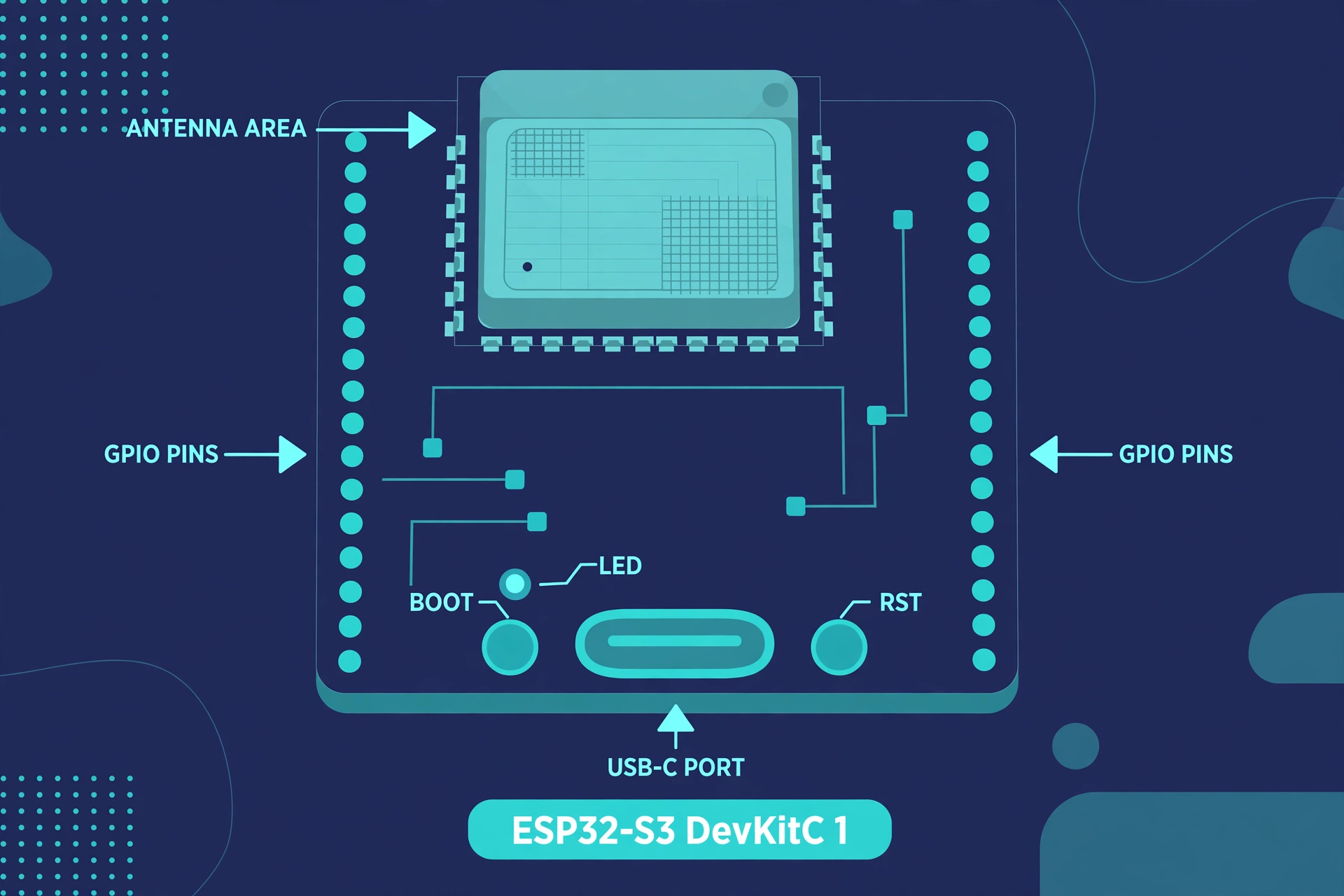
For the best ESP32 board 2026, buy the ESP32 S3 DevKitC 1, N8R8 variant. It has a dual core processor at 240 MHz, 512 KB of SRAM, 8 MB of flash, 8 MB of PSRAM, WiFi, Bluetooth LE 5, native USB, and 45 GPIO pins. In fact, Espressif lists it at 15 dollars, with street prices from about 7 dollars to about 17 dollars. However, if your budget is very tight, buy the ESP32 C3 SuperMini instead.
The comparison table
Use this table to narrow the choice of the best ESP32 board 2026 in one minute. In addition, prices are typical street prices in US dollars, checked in November 2026.
| Board | Chip | CPU | WiFi | Bluetooth | GPIO pins | Typical price |
|---|---|---|---|---|---|---|
| ESP32 DevKit V1 | Classic ESP32 | Dual core 240 MHz | WiFi 4 2.4 GHz | Classic and LE | 34 | 4 to 5 dollars |
| ESP32 S3 DevKitC 1 | ESP32 S3 | Dual core 240 MHz | WiFi 4 2.4 GHz | LE 5 | 45 | 7 to 17 dollars |
| ESP32 C3 SuperMini | ESP32 C3 | Single core 160 MHz | WiFi 4 2.4 GHz | LE 5 | 22 | About 2 dollars |
| ESP32 C6 DevKitC 1 | ESP32 C6 | Single core 160 MHz | WiFi 6 2.4 GHz | LE 5.3 | 30 | 9 dollars reference, 5 to 8 dollars street |
| ESP32 H2 DevKit | ESP32 H2 | Single core 96 MHz | None | LE 5.3 | 19 | 5 to 7 dollars |
| ESP32 S2 DevKitC 1 | ESP32 S2 | Single core 240 MHz | WiFi 4 2.4 GHz | None | 43 | 8 dollars reference |
| ESP32 CAM | Classic ESP32 | Dual core 240 MHz | WiFi 4 2.4 GHz | Classic and LE | Few shared with camera | 5 to 10 dollars |
If a board has no WiFi, do not buy it for a WiFi project when you choose the best ESP32 board 2026. Similarly, if a board has no Bluetooth, do not buy it for a phone app project.
The classic ESP32 board, the cheapest way to start
The classic ESP32 has a dual core Xtensa LX6 processor at 240 MHz, 520 KB of SRAM, WiFi 4 on 2.4 GHz, Bluetooth Classic and Bluetooth LE, and 34 GPIO pins. In fact, typical street price is 4 to 5 dollars for a generic DevKit V1 board. This is the best ESP32 board 2026 choice if you want the lowest price and the most tutorials. For example, buy it if you need Bluetooth Classic, or if you are buying boards for a classroom. However, do not buy it as your only board if you plan camera, voice, or display work soon.
The ESP32 S3 board, the best all round pick in 2026
The ESP32 S3 is the best all round board in 2026, and the best ESP32 board 2026 pick for most beginners. It has a dual core Xtensa LX7 processor at 240 MHz, 512 KB of SRAM, WiFi 4 on 2.4 GHz, Bluetooth LE 5, native USB, and 45 GPIO pins. In addition, the N8R8 variant has 8 MB of flash and 8 MB of PSRAM, extra memory that helps with cameras and displays. Native USB is the feature beginners notice first. Next, you plug the board in with a USB C cable, and your computer sees it directly. Also, buy it if you are not sure what you will build next. It handles WiFi sensors, Bluetooth projects, displays, cameras, and USB devices. However, it does not do Bluetooth Classic. Finally, start with the S3, then follow Your First ESP32 Project.
The ESP32 C3 board, the best cheap and tiny board
The ESP32 C3 is a small single core RISC V chip at 160 MHz, with 400 KB of SRAM, WiFi 4 on 2.4 GHz, Bluetooth LE 5, and 22 GPIO pins. However, it has no PSRAM. In fact, a complete SuperMini board costs about 2 dollars. This is the best ESP32 board 2026 choice for a tiny, cheap WiFi node. For example, use it for a temperature sensor, a door sensor, or a simple switch. However, do not buy the C3 as your only learning board if you plan to add a camera or a display later.
The ESP32 C6 board, the best board for smart home and Matter
The ESP32 C6 is the first mainstream ESP32 chip with WiFi 6 on 2.4 GHz, Bluetooth LE 5.3, and an 802.15.4 radio on the same chip. As a result, that radio lets it speak Thread and Zigbee, the wireless languages used by Matter smart home devices. It has a single core RISC V processor at 160 MHz, 512 KB of SRAM, and 30 GPIO pins. In fact, Espressif lists the C6 DevKitC 1 kit at a reference price of 9 dollars. Typical street prices are 5 to 8 dollars. Therefore, buy the C6 if you are building a Matter, Thread, or Zigbee device. For a general beginner project, however, it is not the best ESP32 board 2026 pick, because it is single core, it has fewer pins than the S3, and it has no PSRAM.
The ESP32 H2 board, a board most beginners should skip
In fact, the ESP32 H2 is a low power chip for Thread, Zigbee, and Matter devices that do not need WiFi. It has a single core RISC V processor at 96 MHz, 320 KB of SRAM, Bluetooth LE 5.3, an 802.15.4 radio, and 19 GPIO pins. However, it has no WiFi at all. Typical street prices are 5 to 7 dollars. As a result, if you buy an H2 for a normal WiFi sensor project, it will not work. Do not buy the H2 as a first board when you choose the best ESP32 board 2026.
The ESP32 S2 board, good for USB, weak for Bluetooth
The ESP32 S2 has a single core Xtensa LX7 processor at 240 MHz, 320 KB of SRAM, WiFi 4 on 2.4 GHz, native USB OTG, and 43 GPIO pins. However, it has no Bluetooth at all. In fact, Espressif lists the S2 DevKitC 1 kit at a reference price of 8 dollars. For example, the S2 is useful for one job: a USB device, such as a USB keyboard, mouse, or MIDI device. For anything that needs a phone app or a Bluetooth sensor, the S2 is the wrong board. Therefore, most beginners should skip the S2 when they choose the best ESP32 board 2026. In addition, the S3 does everything the S2 does, plus Bluetooth LE, for a similar price.
The ESP32 CAM and the ESP32 P4, special boards for special jobs
The ESP32 CAM costs about 5 to 10 dollars, but it is hard for a beginner. For example, it has few free pins, it needs a separate USB to serial adapter, and it has no USB port. Therefore, buy it only for a camera project. The ESP32 P4 is a specialist chip for big displays and video. However, it has no WiFi or Bluetooth on its own, so it is not a first board for the best ESP32 board 2026.
Best ESP32 board 2026 buying checklist
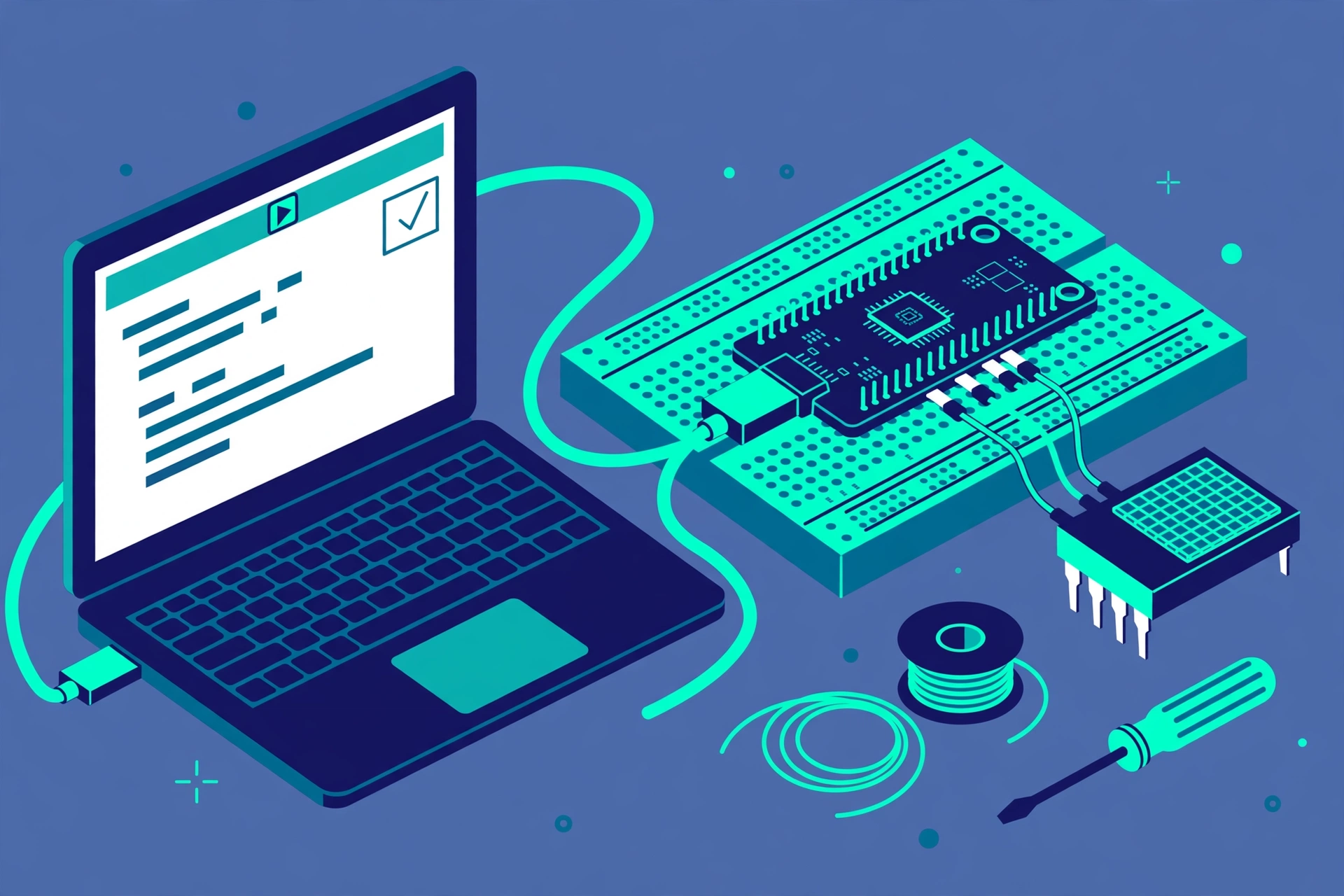
When you look for the best ESP32 board 2026, check the chip name. It should say ESP32 S3, ESP32 C3, ESP32 C6, or classic ESP32. Next, check the USB port. A USB C port is the modern choice in 2026. Also, check the flash and PSRAM. For the S3, look for N8R8, which means 8 MB of flash and 8 MB of PSRAM. In addition, check that headers are included, or that you can solder them. Finally, check the seller. Buy from Espressif, Seeed Studio, Adafruit, or a seller with many reviews. Also, buy a USB C cable and a breadboard at the same time. Set up your software before the board arrives. Finally, follow Arduino IDE Setup for ESP32, Updated for 2026.
What to avoid when you buy an ESP32 board in 2026
When you choose the best ESP32 board 2026, avoid the ESP32 H2 for a WiFi project. It has no WiFi. Similarly, avoid the ESP32 S2 for a Bluetooth project. It has no Bluetooth. Also, avoid a board with no USB port, unless you already own a USB to serial adapter. In addition, avoid the cheapest listing with no reviews, no returns policy, and no clear chip name. Do not buy five boards at once. Buy one good board first. Lastly, avoid the ESP32 C3 as your only board if you want a camera, a display, or a voice project.
FAQs
Which ESP32 board is best for beginners in 2026
The ESP32 S3 DevKitC 1, N8R8 variant, is the best ESP32 board 2026 pick for most beginners. In addition, it has WiFi, Bluetooth LE, native USB, two cores, and enough memory for cameras and displays. In fact, Espressif lists it at a reference price of 15 dollars, with street prices from about 7 dollars to about 17 dollars.
Is the classic ESP32 still good in 2026
Yes, it is still good as the best ESP32 board 2026 choice, and it is still the cheapest way to start. In fact, it has the most tutorials, it has Bluetooth Classic, and a generic board costs about 4 to 5 dollars.
What is the cheapest ESP32 board that is still useful
The ESP32 C3 SuperMini costs about 2 dollars, and it is useful for a simple WiFi sensor or a small switch. However, it is not useful as a general learning board for the best ESP32 board 2026, because it has only 22 pins and no PSRAM.
Do I need WiFi 6, and is the ESP32 C6 better than the S3
You need WiFi 6 only if your project uses Matter, Thread, or Zigbee. For example, the C6 is the best ESP32 board 2026 for those smart home jobs. However, for general learning, camera, display, and USB projects, the S3 is better.
Why does my ESP32 not upload code
When your best ESP32 board 2026 does not upload code, the most common causes are the wrong board selected in Arduino IDE, the wrong port, a charge only USB cable with no data wires, or a missing driver. Check the board and port first, then try a different cable. Finally, if you see an upload error, follow ESP32 Upload Error Fix.
The bottom line on the best ESP32 board 2026
The best ESP32 board 2026 pick for most beginners is the ESP32 S3 DevKitC 1, N8R8 variant. In fact, it costs about 15 dollars at the Espressif reference price, with street prices from about 7 dollars to about 17 dollars. However, if money is very tight, buy the classic ESP32 DevKit V1 for about 4 to 5 dollars, or the ESP32 C3 SuperMini for about 2 dollars. In addition, if you are building a Matter or Thread device, buy the ESP32 C6 DevKitC 1 instead. Finally, buy one board, blink an LED, then build a real sensor.
Sources
Espressif board selection documentation is the source for the best ESP32 board 2026.