
GTA VI is out, and the first thing to do is not a mission. It is the settings menu. Start with the best GTA VI settings.
The game runs at 30fps, and it has high input latency, so a few small changes make it feel much better to play.
These are the best GTA VI settings to change first, for smoother movement, better aiming, quieter music, and an easier single player run.
Source for the settings below is RockstarINTEL, Best GTA VI Settings You Need To Change, published 20 November 2026.
Motion blur, turn it up, not off, for the best GTA VI settings
Go to the pause menu, then the Display tab, then scroll down to Motion Blur Strength. The default is 3. At 30fps, turning it up to 5 or more makes camera movement feel smoother. Try it higher still, and pick the value that feels best to you. Everyone has different tastes, but this game feels smoother with motion blur on at 30fps. Turning motion blur off makes sense at higher frame rates, not here. Xbox players also get a small bonus advantage with VRR, variable refresh rate, which helps the feel further.
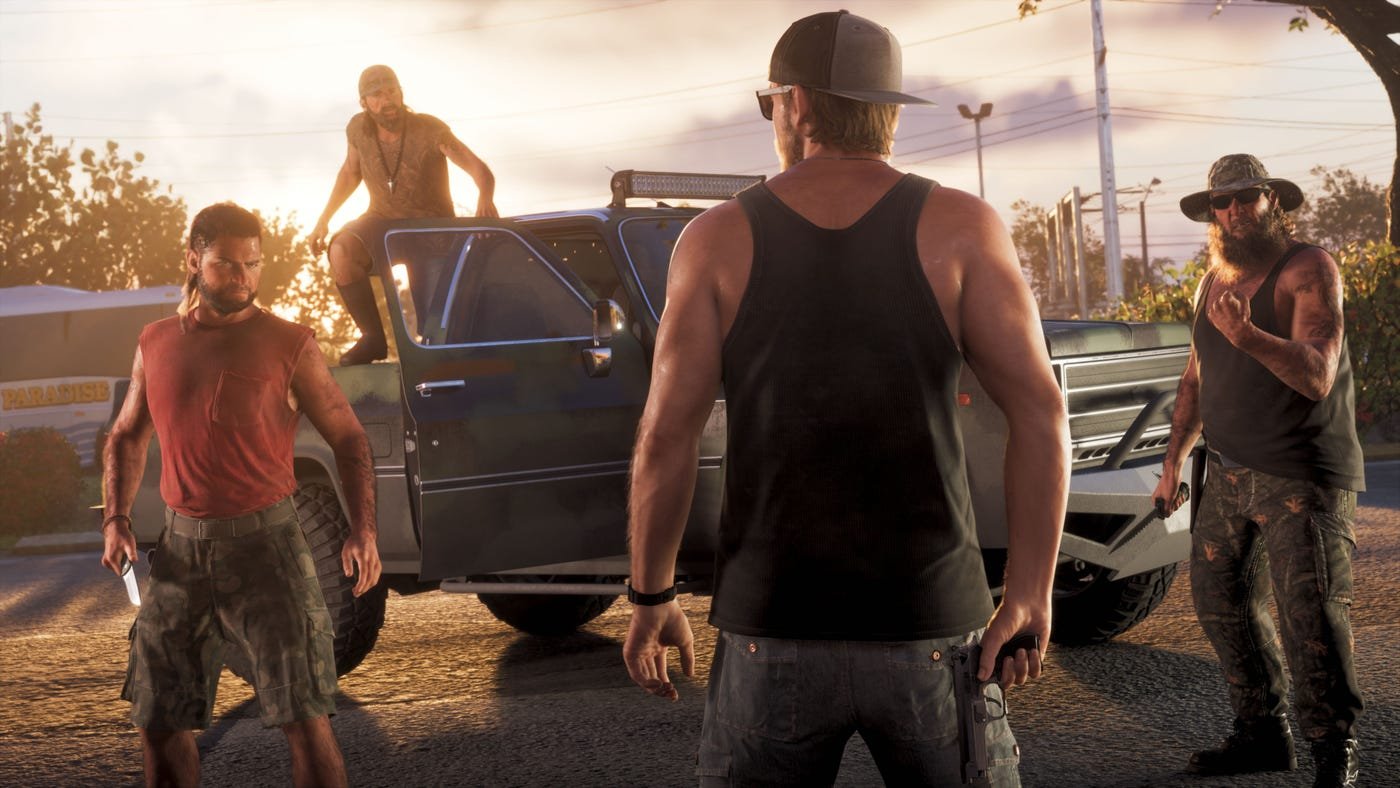
Thumbstick sensitivity, a point or two higher
Your controller thumbstick sensitivity is set to 7 by default. Turning it up by a point or two can make movement feel less sluggish. This is personal preference, so try different values in the best GTA VI settings and see what you prefer. If it feels too twitchy, turn it back down.
Deadzone, lower it on a new controller
The deadzone default values are 4 in the best GTA VI settings. If you are using a new controller, try turning it down to 2. A new stick is tight, so a lower deadzone makes small movements register sooner. If you are using a well worn pad, you may need to turn it up a bit instead, because an old stick can drift.
Aim Response Curve, try all four, for the best GTA VI settings
There are 4 different Aim Response Curve options. Try all 4 and see which feels best to you. Lots of shooting games have these settings now, so if you see the Aim Response Curve you use in other games in this GTA VI menu, try that one first.
Mute licensed music, if you record or stream
This one is for content creators. In the settings menu, go to the Audio tab, then scroll down to Mute Licensed Music. Turning it on mutes all licensed music, so you avoid copyright claims in videos or streams. Captions will still display for music when turned on and licensed music is muted. Some fans have also complained that radio music is too high, and in this menu you can turn its volume down a little too.
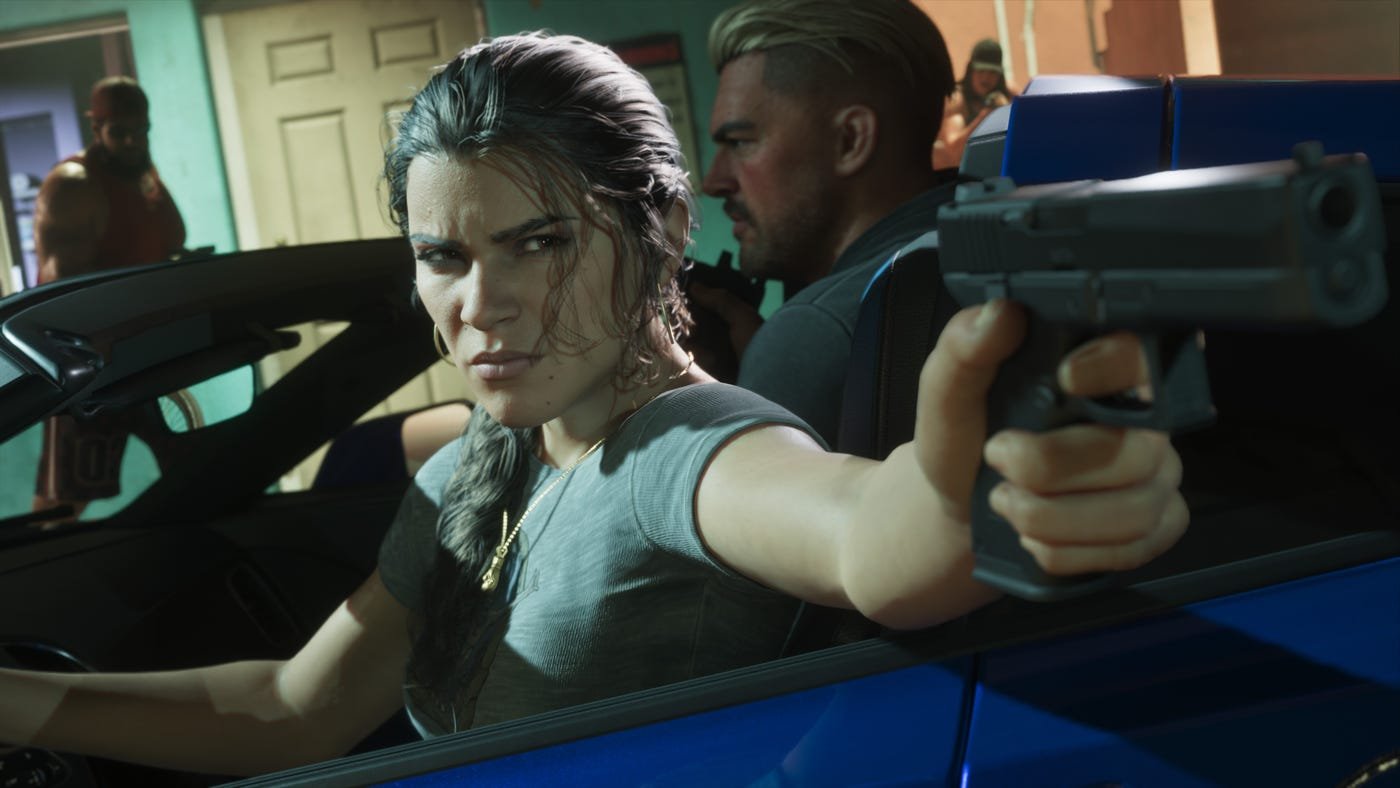
GPS voice, pick a voice or turn it off
The game has multiple GPS settings in the Audio tab. You can switch between a couple of voices, change the tone, or turn the sound off completely when navigating through Leonida. Pick the voice you like for the best GTA VI settings, or silence it if you prefer to drive with music only.
Make the game easier, without feeling guilty
Do not feel like you are cheating. It is a single player game, and you can play it how you want. GTA VI has a number of accessibility settings, and they are part of the best GTA VI settings for an easier run. From simplifying mini games to turning on reduced vehicle damage, there is a range of options to ease the game, and they can be found under the Gameplay tab in the settings menu. Turn on what helps you, and turn it off again if you want a harder run later.
Best GTA VI settings, what to change first, in order
- First, set Motion Blur Strength to 5 or more.
- Second, try thumbstick sensitivity at 8 or 9.
- Third, set deadzone to 2 on a new controller, or higher on a worn one.
- Fourth, try all 4 Aim Response Curve options.
- Fifth, turn on Mute Licensed Music if you record or stream.
- Sixth, pick your GPS voice, or turn it off.
- Seventh, turn on reduced vehicle damage or simplified mini games if you want an easier run.

Final takeaway
GTA VI runs at 30fps, so the default settings are not the best feel for everyone. Motion blur up, sensitivity up a point or two, deadzone down on a new pad, and the right Aim Response Curve will make the game feel smoother and more responsive. Add Mute Licensed Music for creators, and the accessibility options for an easier run, and these best GTA VI settings will give you a much better first week in Leonida.